I have Bluetooth enabled, I’m connected to a 2.4ghz and doble checked to write the correct password but I can’t connect to the WiFi, error says:
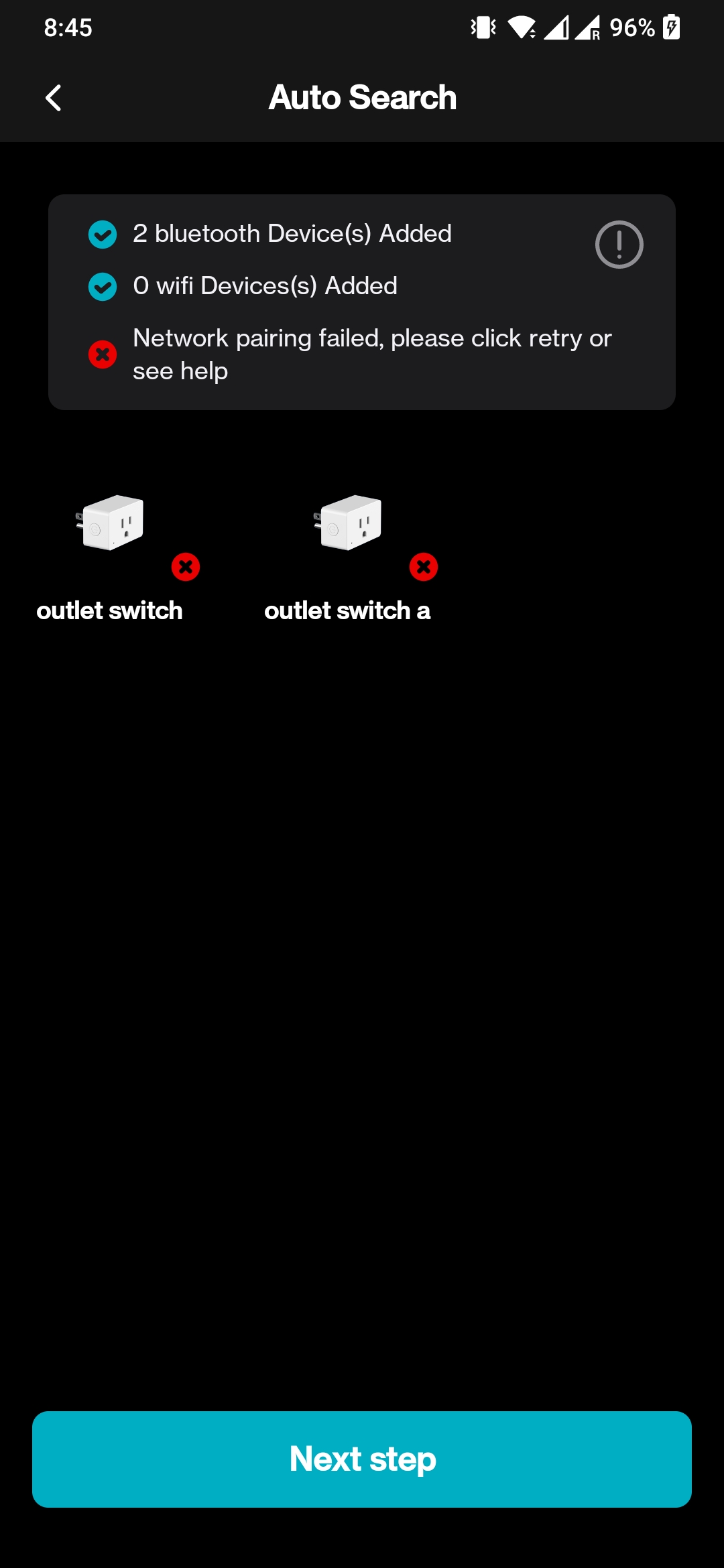
2 bluetooth Device(s) Added
O wifi Devices(s) Added
Network pairing failed, please click retry or see help
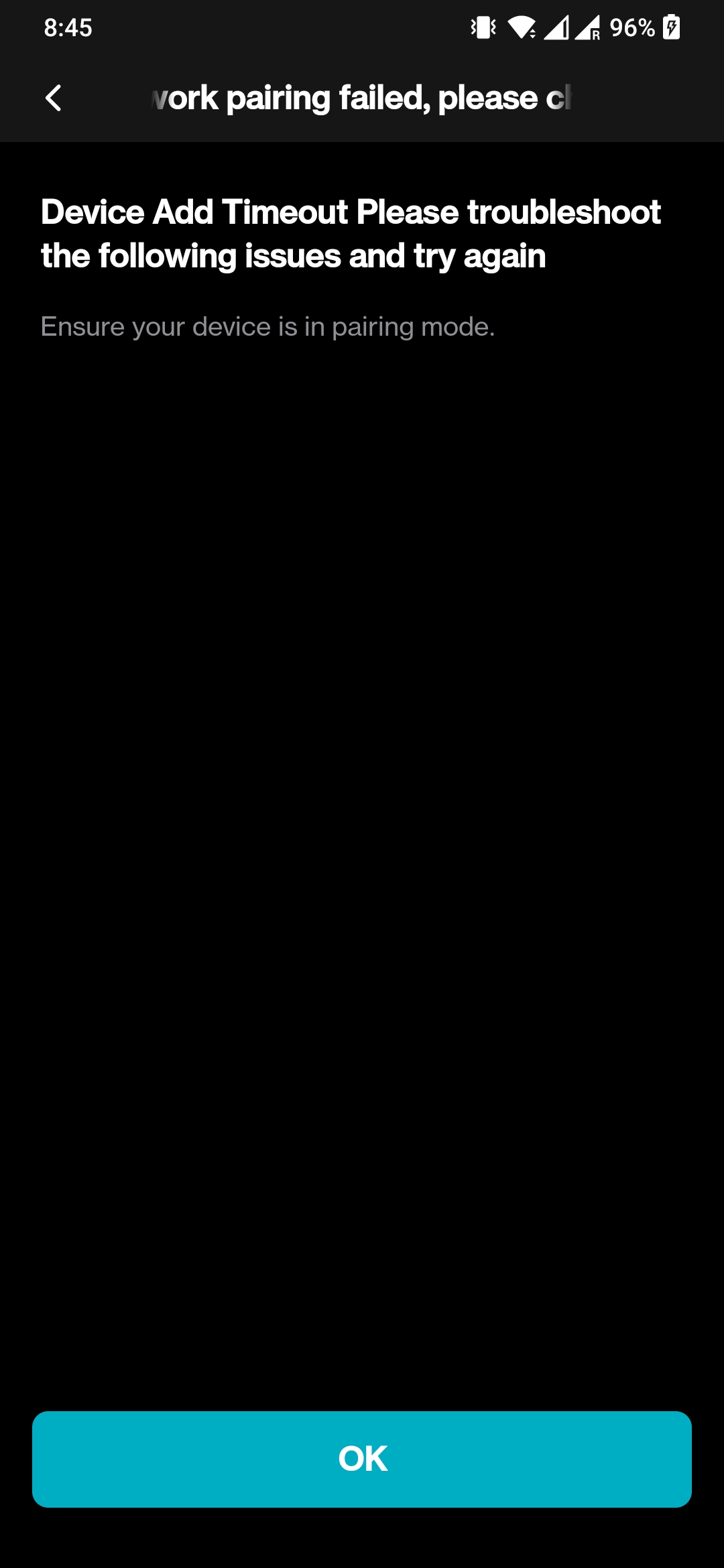
After clicking more information this shows up.
Device Add Timeout Please troubleshoot the following issues and try again
Ensure your device is in pairing mode.
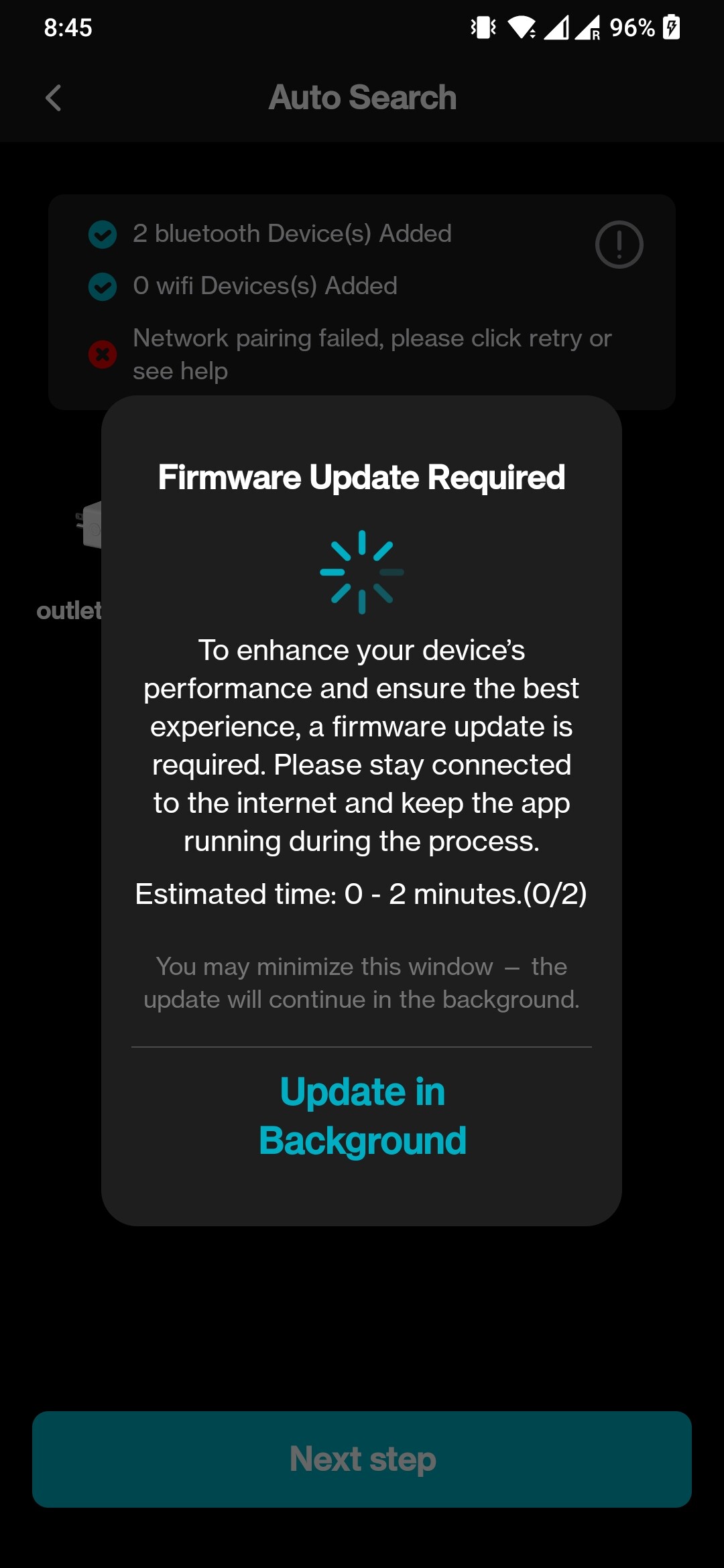
Clicking retry it tries to update firmware but it fails too. I
Does someone knows what can be done?
Big thanks !
Dear user,
Thank you for your inquiry.
Please try the following steps to update firmware:
1. Use another phone to open a hot-spot as WiFi. When setting up another phone as a hotspot, if there is a compatibility-related toggle on the interface, make sure to enable it.
2. Go to WLAN setting, connect your own phone to the hot-spot.
3. Reset the plug in pairing mode and pair it to Lepro app.
4. Click ‘Firmware Upate’ in ‘Me’ interface.
5. After successful firmware update, connect your phone to your WiFi router, reset the plug and re-pair it with the Lepro app.
Please feel free to contact us if there are any further questions.
Best regards
Lepro Customer Service Team