I have two E1 devices and one is working normally and one is not. I have tried to reconnect to WIFI with Bluetooth on and it will not connect. I also tried to unplug the device and plug it back in. What else can I do to reset the device?
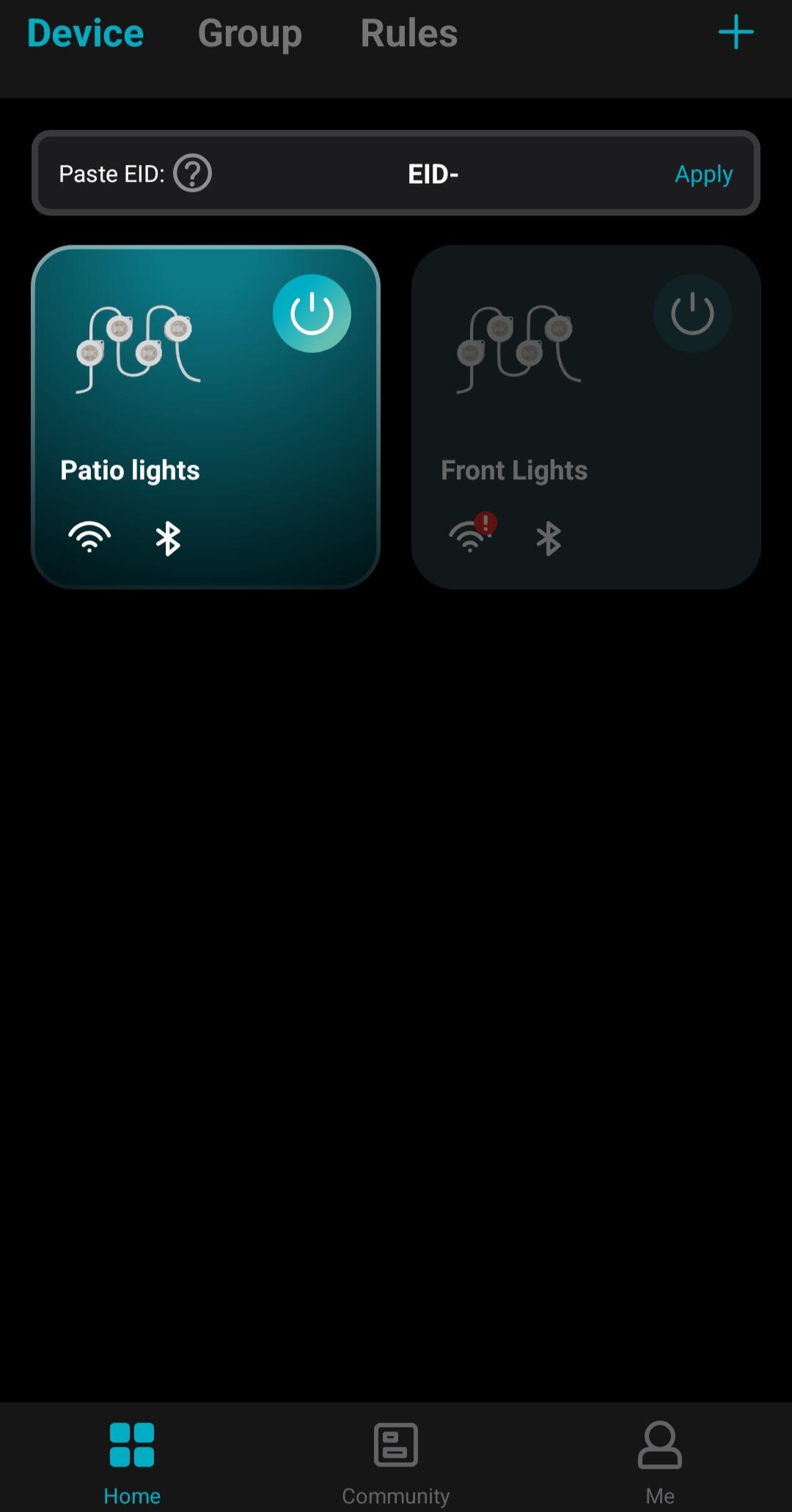
Dear User,
Thank you for reaching out.
Please try the following steps to reset and reconnect the E1 light:
1. Turn on Bluetooth on your phone.
2. Connect your phone to a 2.4G WiFi network.
3. Turn on the E1 light; it will start flashing a slow blue light, indicating it’s in pairing mode. If it doesn't flash blue, press and hold the power button on the white controller for over 5 seconds.
4. Open the Lepro App and click "Add Device."
5. If it shows "1 Device Detected" at the top, click "Check."
6. You will be prompted to enter your WiFi name and password.
7. Click "Next." The light will pair successfully within seconds.
8. Rename the light and click "Done."
If the pairing fails, please check the direct message we just sent to you so we can assist you further.
Best regards,
Lepro Customer Service Team