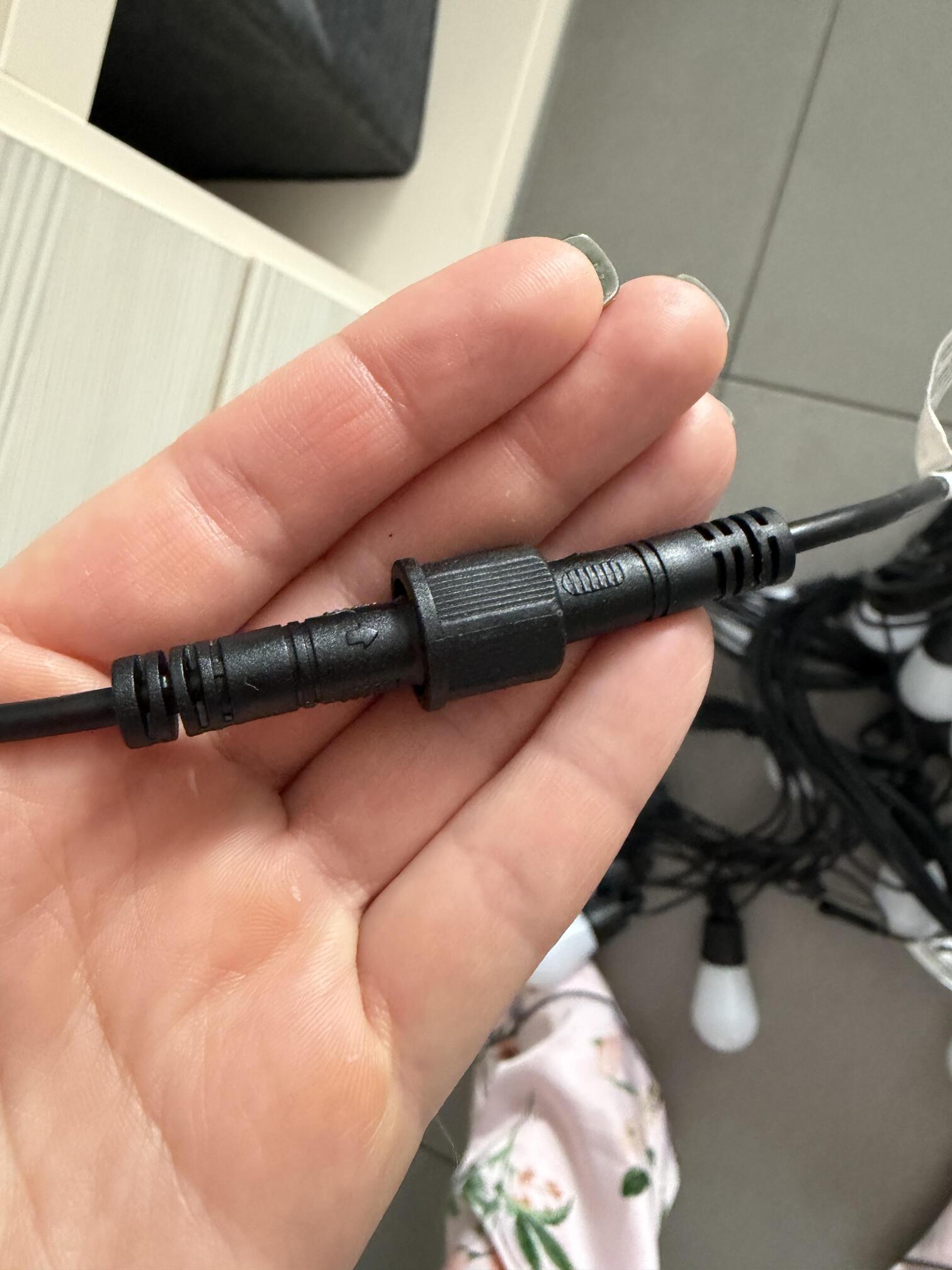
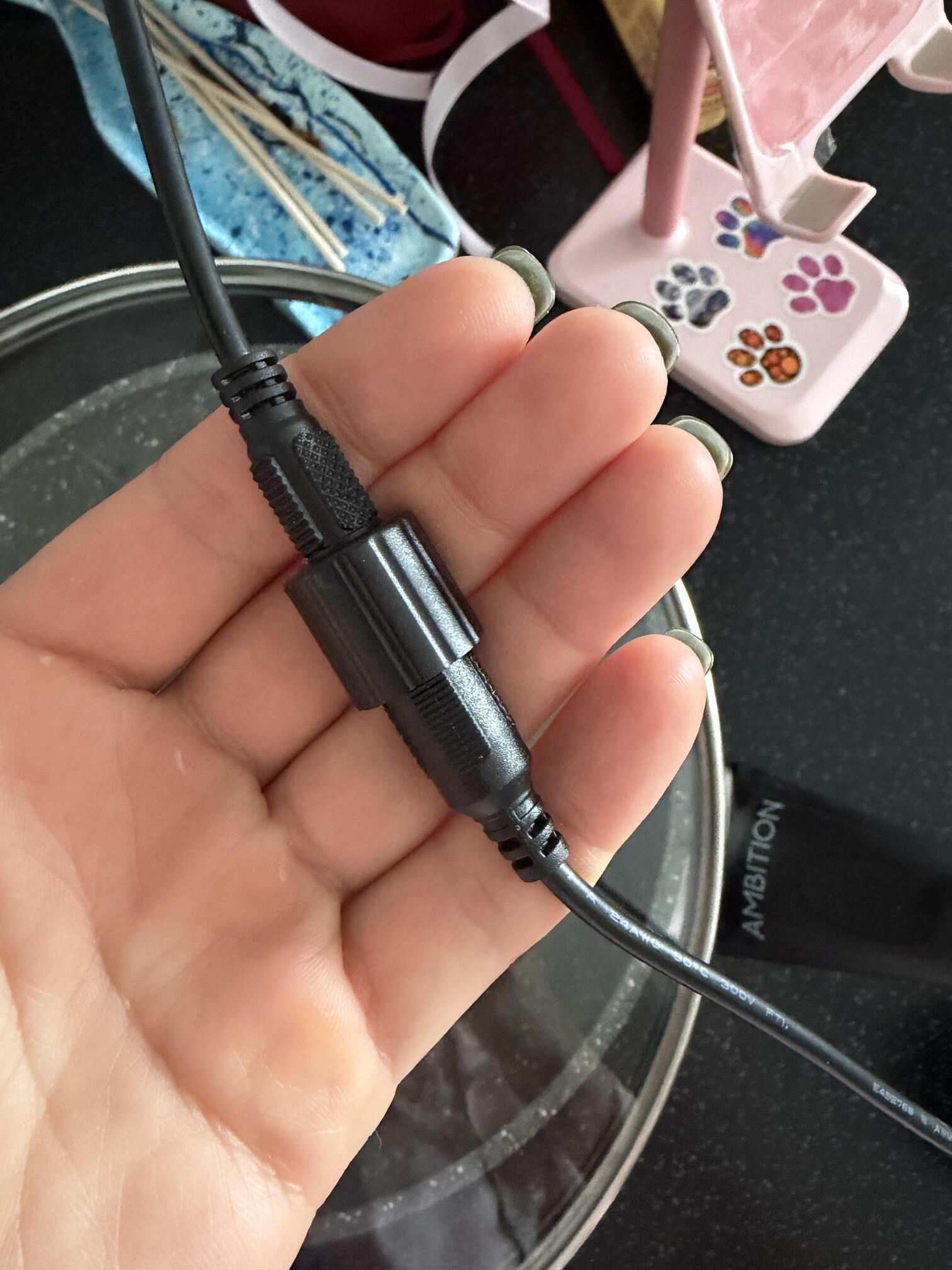
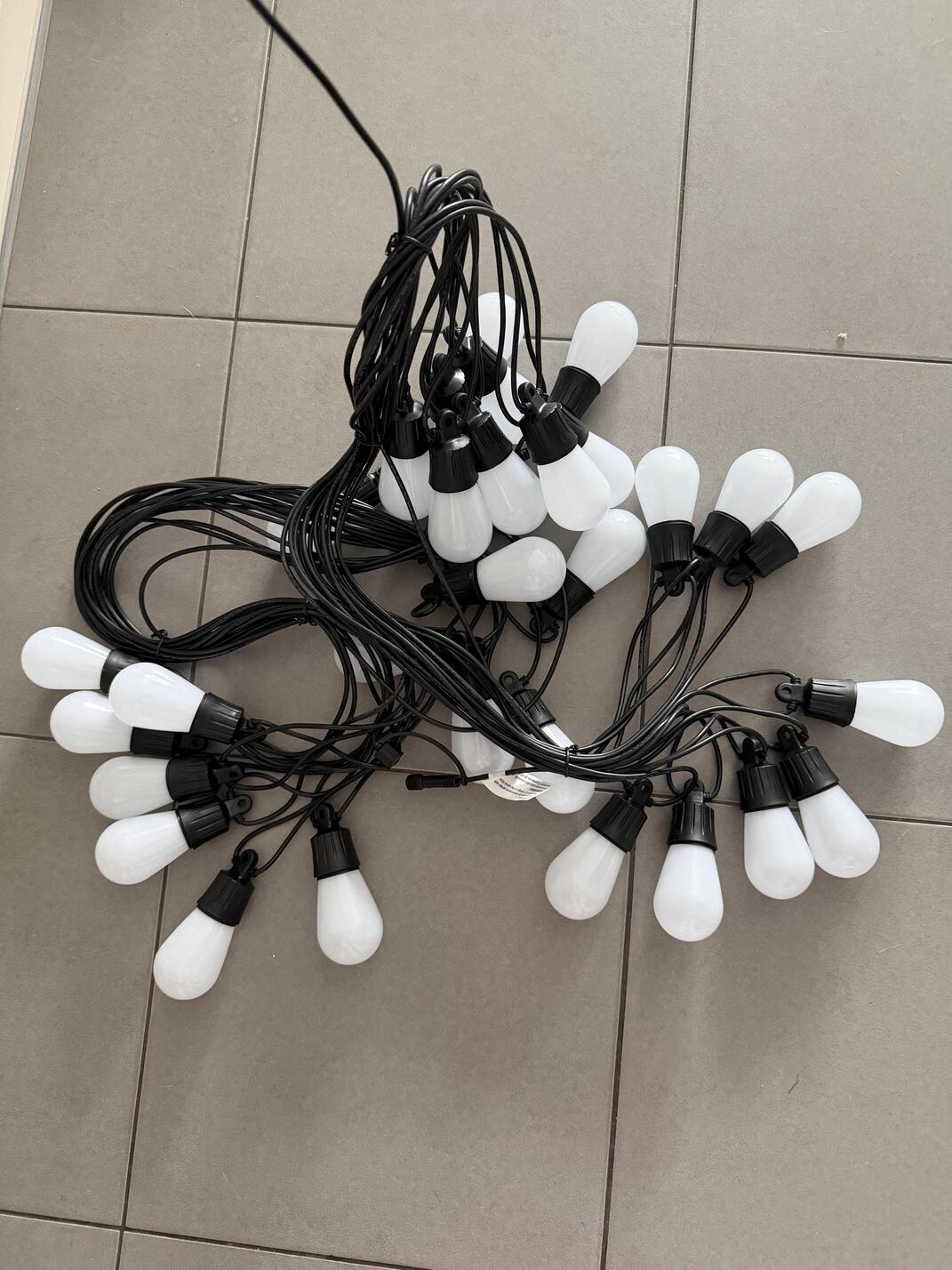
I’ve bought the lights and cannot turn it on.
I checked the connections, connected to the app, app shows that it’s working, I tried multiple modes but still the lamps don’t work.
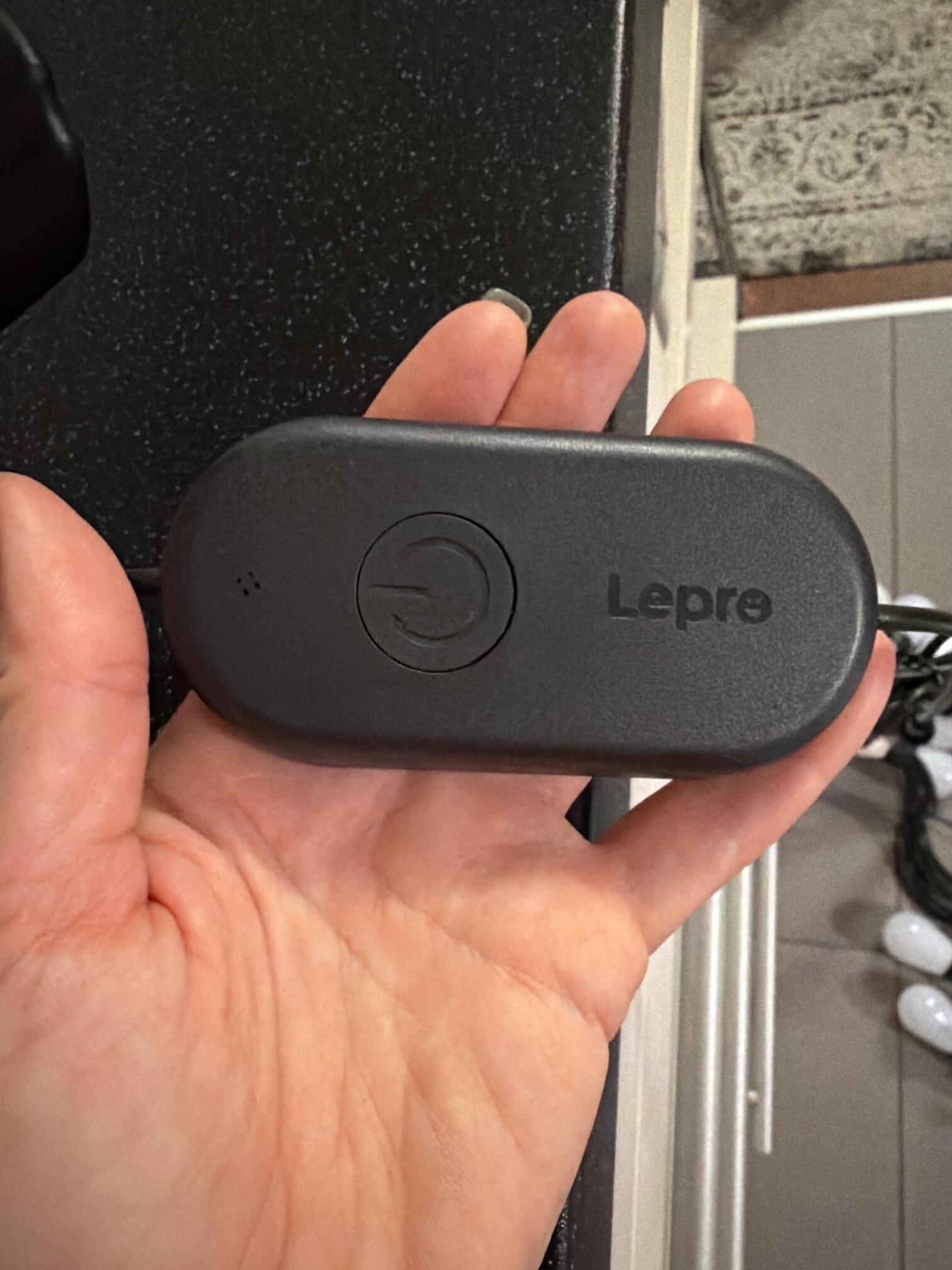
I also tried to click the button on the controller - nothing happens. I also tried to switch on 1 part of lights and the other part of lights, and them altogether - nothing helped.
Dear User,
Thank you for reaching out.
Please try the following steps:
1. Unplug the power adapter, then plug it back in.
2. Open the Lepro app, tap on the device, then select “Length Detect” to refresh the length.
If the issue is still not resolved, please press and hold the button on the white controller for more than 5 seconds until the entire line flashes blue. Then, in the Lepro app, tap “Add Device” to set it up again.
If the problem continues, please email our after-sales team at cs@lepro.com for further assistance.
Best regards,
Lepro customer service
I don’t have the white controller. I have a black one with one button.
Dear User,
Thank you for your response, and apologies for the typo.
If the issue is still not resolved, please press and hold the button on the black controller for more than 5 seconds until the entire line flashes blue. Then, in the Lepro app, tap “Add Device” to set it up again.
If the problem continues, please email our after-sales team at cs@lepro.com for further assistance.
Best regards,
Lepro customer service